PixPix Browser Extension
Save in one click
Recreate inspiration
Save images and image collections from the web straight to your PixPix asset library, ready for your next creation.
Supported platforms
 Amazon
 Taobao
 Instagram
 Xiaohongshu
 Pinterest
 Huaban
 More
More
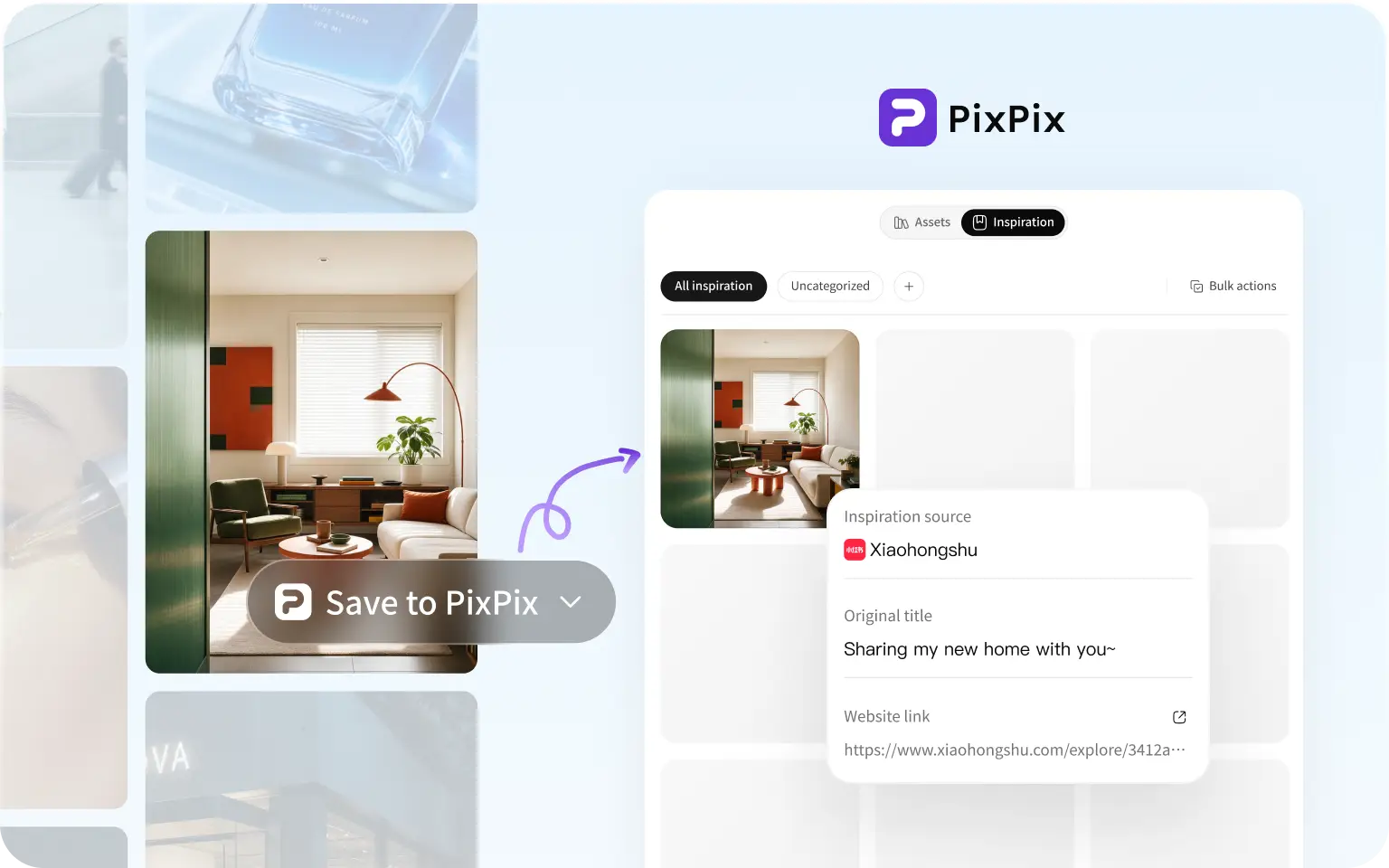
Save in one click to
your PixPix asset library
Save inspiration as you browse and find it whenever you create.
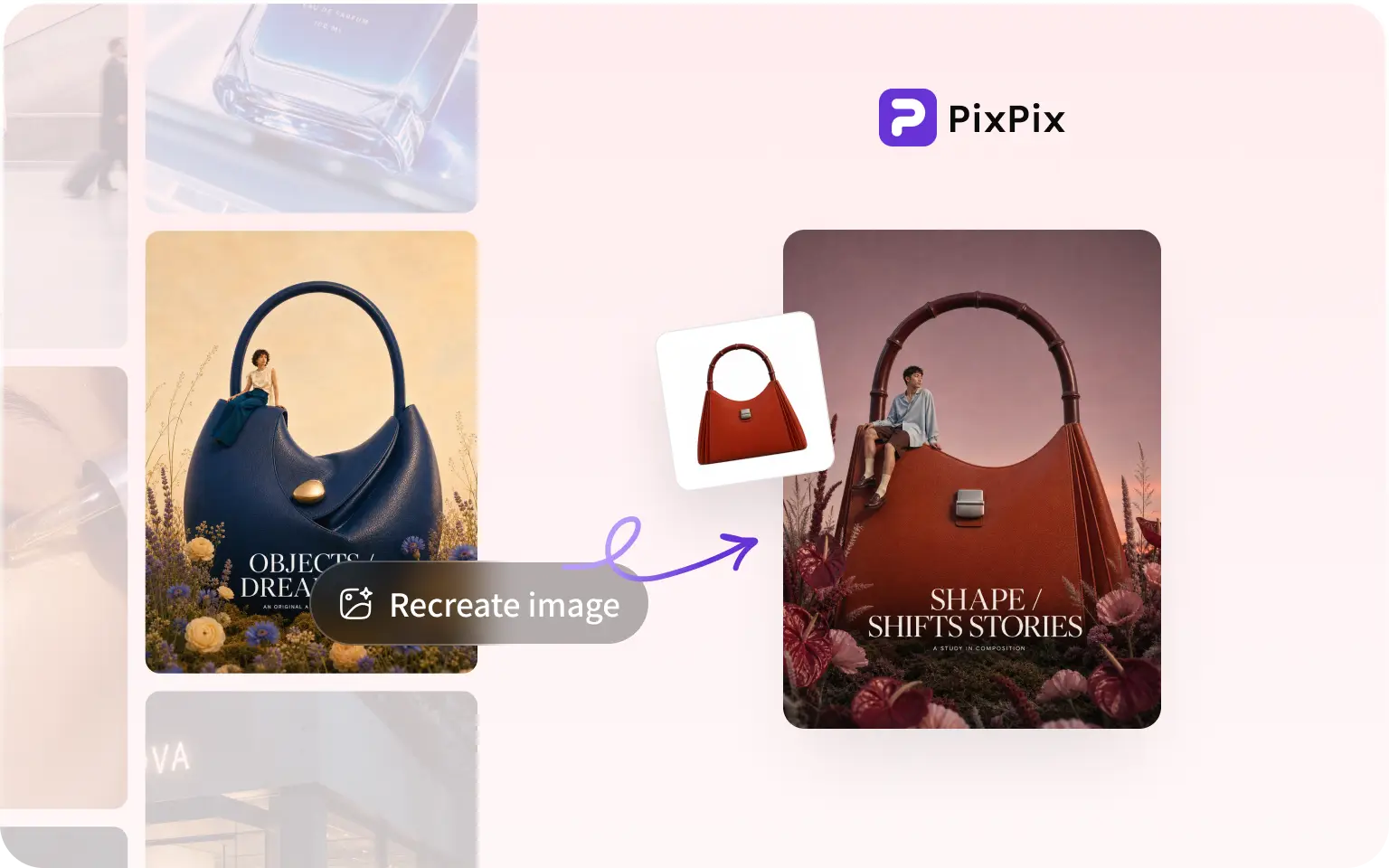
Recreate trending styles
Recreate popular styles quickly and create more efficiently.
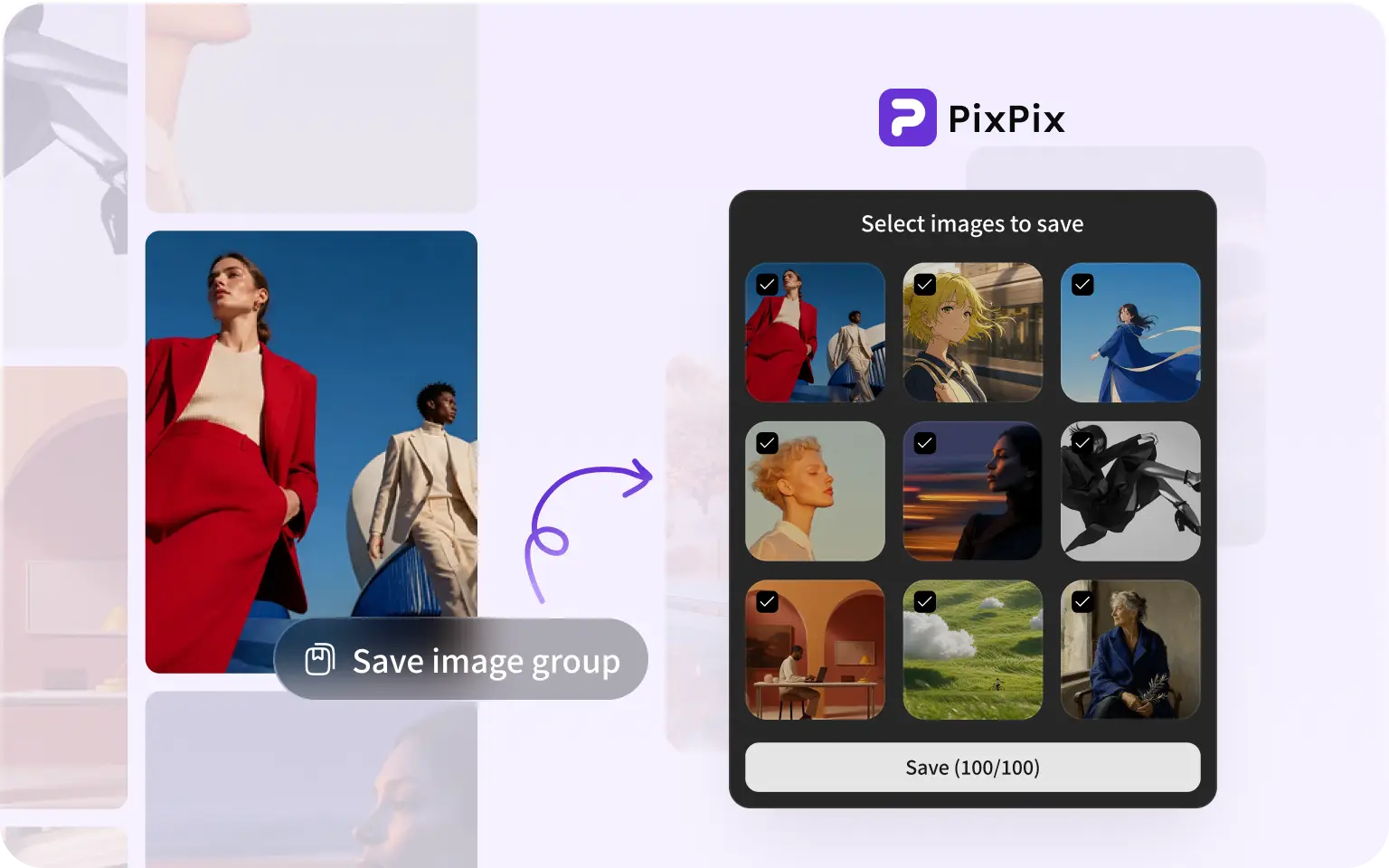
Save entire collections
Collect a whole set of images in one click, without saving them individually.
Install PixPix and keep inspiration close
Install the extension locally

STEP 01
Extract the package
Extract the downloaded ZIP into a permanent folder. Keep the extracted files in that location.
STEP 02
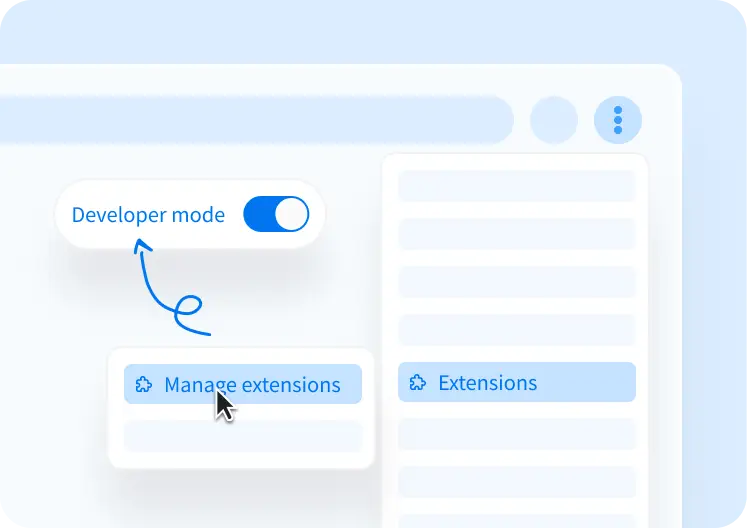
Enable developer mode
Open the menu in the top-right corner of Chrome, choose Extensions → Manage Extensions, then enable Developer mode in the top-right corner.
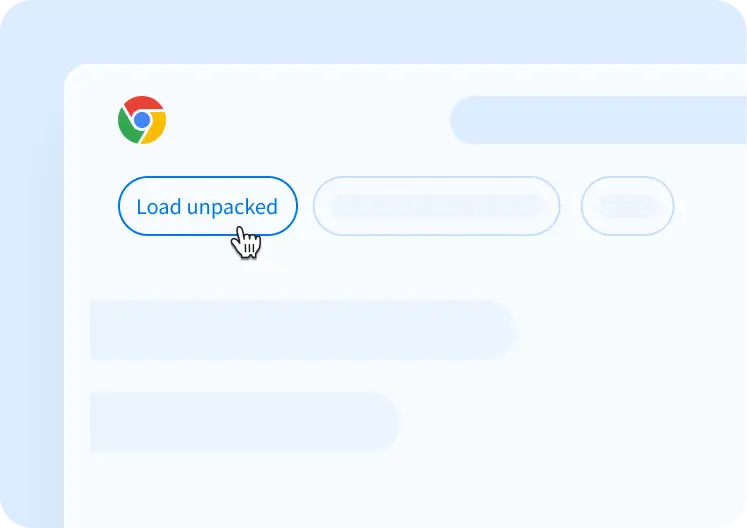
STEP 03
Load the extension
Click “Load unpacked” in the top-left corner and select the folder you just extracted.